What Is a Multi-Agent AI Platform? A Complete Guide for 2026
Shashank Somal · March 2026 · 8 min read
Infrastructure
Enterprise AI
Agentic Systems
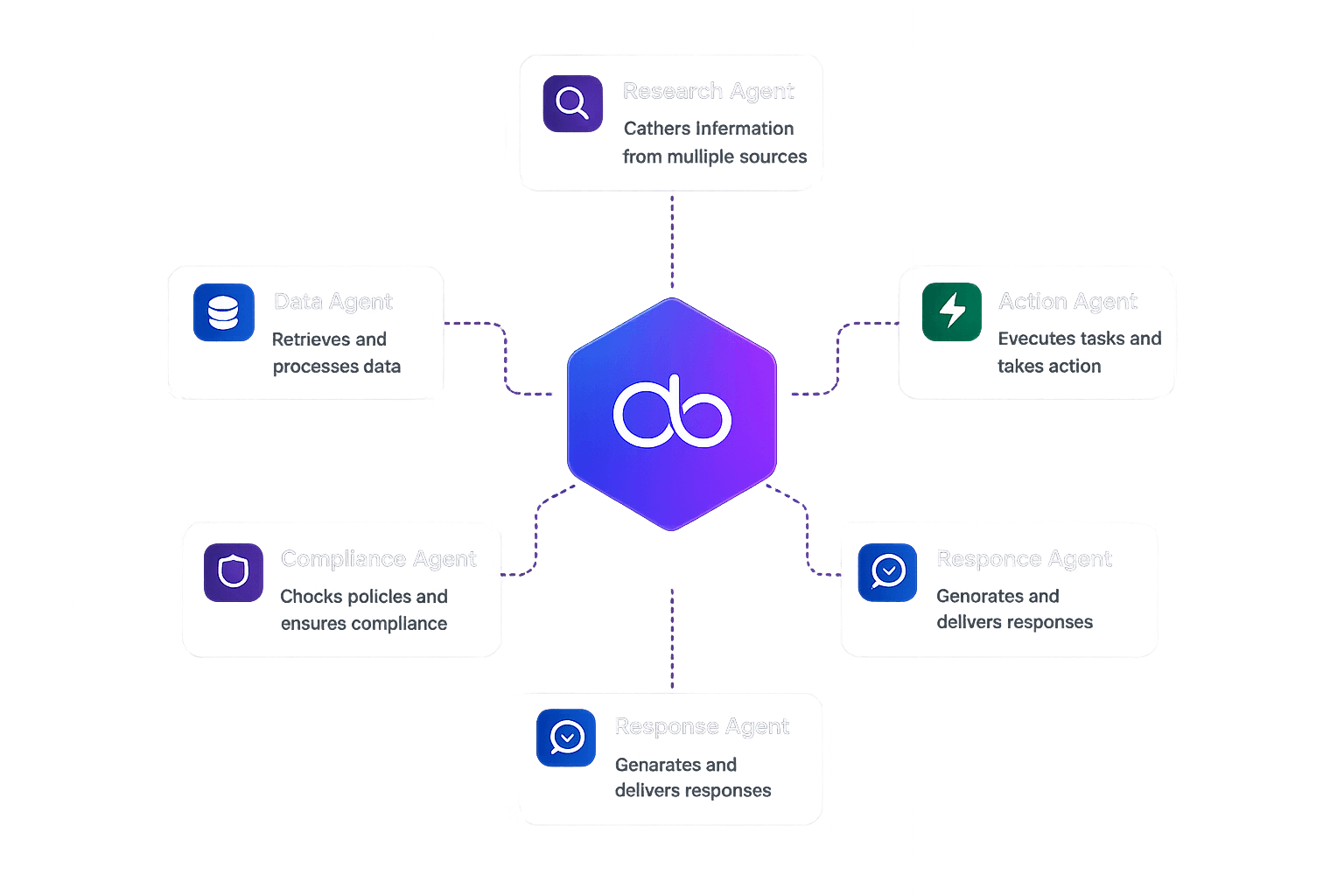
That's the core idea behind multi-agent AI. And the platforms built to support it are becoming the foundation for how companies actually put AI into production.
This guide breaks down what multi-agent AI platforms are, why they exist, and what to look for when evaluating one for your team.
What Exactly Is Multi-Agent AI?
Multi-agent AI is a design approach where two or more AI agents work together inside a shared system.
Each agent has a specific role, set of tools, and area of expertise. Instead of one monolithic model trying to handle everything, the work gets split across specialized agents that communicate and coordinate.
Think of it like a well-run team. One agent handles customer questions. Another pulls data from your CRM. A third checks compliance rules before sending a response. They pass context to each other, escalate when needed, and execute tasks in parallel when that makes sense.
The concept is not new. Researchers have studied multi-agent systems since the 1980s. But the arrival of large language models made it practical for real business applications. LLMs gave agents the ability to reason, plan, and handle natural language, which turned multi-agent architectures from academic exercises into production-ready systems.
Why Single-Agent Systems Hit a Wall
Most companies start their AI journey with a single agent: a chatbot, a copilot, or an automation script.
That works fine for simple tasks. But once you need the system to handle complex workflows that span multiple tools, data sources, and decision points, a single agent starts to struggle.
Here's what typically goes wrong:
Context overload
A single agent trying to handle everything accumulates massive context windows. Performance degrades. Responses slow down. The model starts losing track of earlier instructions.
Reliability drops
The more you ask one agent to do, the more failure points you introduce. If it fails at step 7 of a 12-step process, the whole thing breaks.
No specialization
Different tasks require different system prompts, tools, and guardrails. Cramming all of that into one agent makes it worse at everything.
Scaling is painful
You can't independently scale the parts of a single agent. If your customer support volume spikes, you're stuck scaling the entire system, not just the piece that handles support tickets.
Multi-agent platforms solve these problems by letting you decompose complex work into discrete, manageable agents that each do one thing well.
What Does a Multi-Agent AI Platform Actually Do?
A multi-agent AI platform provides the infrastructure for building, deploying, and managing systems of collaborating agents.
The best platforms handle the full lifecycle:
Design and Build
This is where you define your agents, their roles, and how they interact.
Some platforms offer visual builders (like flow editors or graph-based canvases) so teams can design agent workflows without writing everything from scratch. Others are code-first frameworks where you define agents programmatically.
Orchestration
Orchestration is the coordination layer. It determines which agent handles which task, how agents pass information to each other, and what happens when something fails.
Good orchestration includes routing logic, intent detection, fallback handling, and the ability to run agents in parallel or in sequence depending on the situation.
Deployment
Getting agents from a notebook into production is where most projects stall.
IDC research found that 96% of organizations deploying generative AI report costs higher than expected, with 71% saying they have little to no control over where those costs come from.
A platform should handle deployment across environments (cloud, on-prem, hybrid) and channels (web chat, Slack, WhatsApp, email, SMS) without requiring a team of infrastructure engineers.
Observability
You need to see what your agents are doing in production.
That means logging, tracing, performance metrics, and the ability to debug failed interactions. Without observability, you're flying blind with autonomous systems that make decisions on behalf of your business.
Security and Governance
Enterprise deployments need role-based access control, audit trails, secrets management, and compliance controls.
This is table stakes for regulated industries like finance and healthcare, but increasingly expected across the board.
The Market Right Now
The agentic AI market is growing fast.
Fortune Business Insights valued it at $7.29 billion in 2025, projecting growth to $139.19 billion by 2034 at a 40.5% CAGR.
That's not hype; it reflects real enterprise spending on agent infrastructure.
Forrester predicts that by the end of 2026, 30% of enterprise application vendors will launch their own MCP (Model Context Protocol) servers, signaling a broader shift toward agent-native architectures.
The category includes several types of tools:
Frameworks
Frameworks like LangGraph, CrewAI, and AutoGen give developers building blocks for creating multi-agent systems.
They're flexible but require significant custom infrastructure work for production deployments.
Platforms
Platforms like Phinite provide the full stack: visual builders, orchestration, deployment, observability, and security in one product.
They're designed to get teams from prototype to production without stitching together a dozen tools.
Cloud-native services
Cloud-native services from AWS, Azure, and Google Cloud offer agent capabilities tied to their specific ecosystems.
They work well if you're already committed to one cloud provider.
What to Look For When Evaluating Platforms
Not every team needs the same thing. But here are the factors that consistently matter:
1. Code-First vs. Visual-First
Some teams want to write everything in Python. Others want product managers and ops teams to participate through visual editors.
The best platforms offer both.
Phinite, for example, provides Flow Studio (visual) and Graph Studio (graph-based design) alongside code-level access.
2. Cloud Flexibility
Lock-in is a real concern.
If your platform only runs on one cloud provider, you lose negotiating leverage and limit your deployment options.
Look for cloud-agnostic platforms that work across AWS, Azure, Google Cloud, and private infrastructure.
3. Channel Support
Where will your agents actually interact with users?
If you need agents on Slack, WhatsApp, email, and your website, make sure the platform handles multi-channel deployment natively rather than requiring custom integrations for each one.
4. Pricing Model
Pricing structures vary significantly.
Some platforms charge per user seat. Others charge per workflow execution, per message, or per agent session.
Per-session pricing (what Phinite uses) tends to align costs with actual usage rather than team size.
5. Production Readiness
Ask specifically about:
Logging and tracing
Error handling
Retry logic
Rate limiting
Secrets management
Deployment pipelines
If a platform can only show you a Jupyter notebook demo, it's a framework, not a production platform.
6. Observability
Can you trace a single user interaction across multiple agents?
Can you see where latency spikes?
Can you replay failed sessions?
These capabilities are the difference between a demo and a real product.
Common Multi-Agent Architecture Patterns
There are a few patterns that show up repeatedly in production systems:
Sequential pipeline
Agents execute in order.
Agent A processes raw input, passes it to Agent B for analysis, then Agent C generates the final output.
Simple, predictable, easy to debug.
Router pattern
A central routing agent analyzes incoming requests and dispatches them to the right specialist agent.
This is common in customer support, where different agents handle billing, technical issues, and general questions.
Parallel fan-out
Multiple agents work on different aspects of the same task simultaneously.
A research task might have one agent searching the web, another querying internal databases, and a third analyzing documents.
Results get merged at the end.
Hierarchical delegation
A supervisor agent breaks a complex task into sub-tasks and delegates them to worker agents.
The supervisor monitors progress, handles failures, and aggregates results.
This pattern scales well for complex workflows.
Feedback loop
An agent generates output, another agent evaluates it, and the original agent revises based on the feedback.
This is useful for content generation, code review, and quality assurance workflows.
Getting Started
If you're evaluating multi-agent AI platforms for the first time, here's a practical starting point:
Pick one real workflow that currently involves multiple steps, tools, and decision points.
Customer support triage is a good first candidate.
Map the agents you'd need.
Who handles what?
What information flows between them?
Where can things go wrong?
Test with real data.
Don't evaluate platforms with toy examples.
Use actual customer messages, real internal data, and production-level volumes.
Prioritize observability.
The first time something goes wrong in production (and it will), you need to be able to trace exactly what happened across every agent in the chain.
Start small, scale deliberately.
Deploy one or two agents in production before building a system of twenty.
Learn how agent behavior changes under real conditions.
Frequently Asked Questions
What is the difference between a multi-agent AI platform and a single chatbot?
A chatbot is typically one model handling one type of interaction.
A multi-agent platform coordinates multiple specialized agents, each with their own tools and expertise, working together on complex tasks.
The platform handles orchestration, communication between agents, deployment, and monitoring.
Do I need to write code to use a multi-agent AI platform?
It depends on the platform.
Some like LangGraph and AutoGen are code-first. Others like Phinite offer visual builders (Flow Studio, Graph Studio) alongside code access, so both developers and non-technical team members can participate.
How much does a multi-agent AI platform cost?
Pricing varies widely.
Free tiers are common for testing.
Paid plans range from around $99 per month (CrewAI's entry tier) to $249 per month (Phinite Professional) and up to custom enterprise pricing.
Some platforms charge per user, others per execution or per session.
Can multi-agent systems work across different channels like Slack and WhatsApp?
Yes, if the platform supports multi-channel deployment.
Phinite, for example, supports Slack, WhatsApp, Email, Web, SMS, and custom channels natively.
Framework-only tools typically require you to build each channel integration yourself.
Is multi-agent AI ready for production use in 2026?
Yes, with caveats.
The platforms and tooling have matured significantly.
But production deployments still require careful design, thorough testing, and strong observability.
The technology works; the challenge is in the operational discipline around it.
Other Blogs
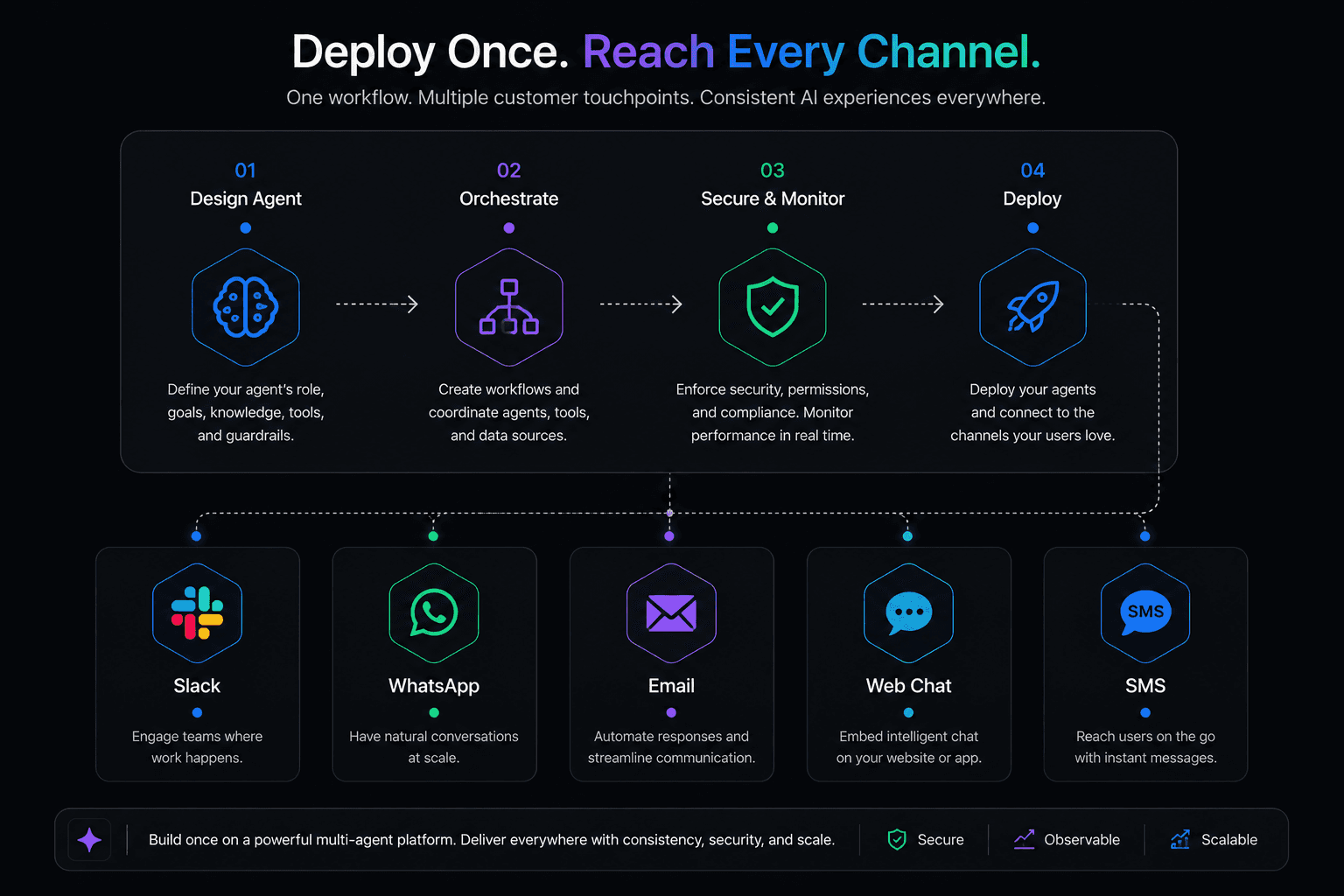
How to Deploy AI Agents Across Slack, WhatsApp, and Email
CrewAI made a name for itself by making multi-agent AI feel approachable. The idea of defining "crews" of agents with roles, goals, and backstories resonated with developers who wanted something higher-level than raw LangChain but more structured than building from scratch.
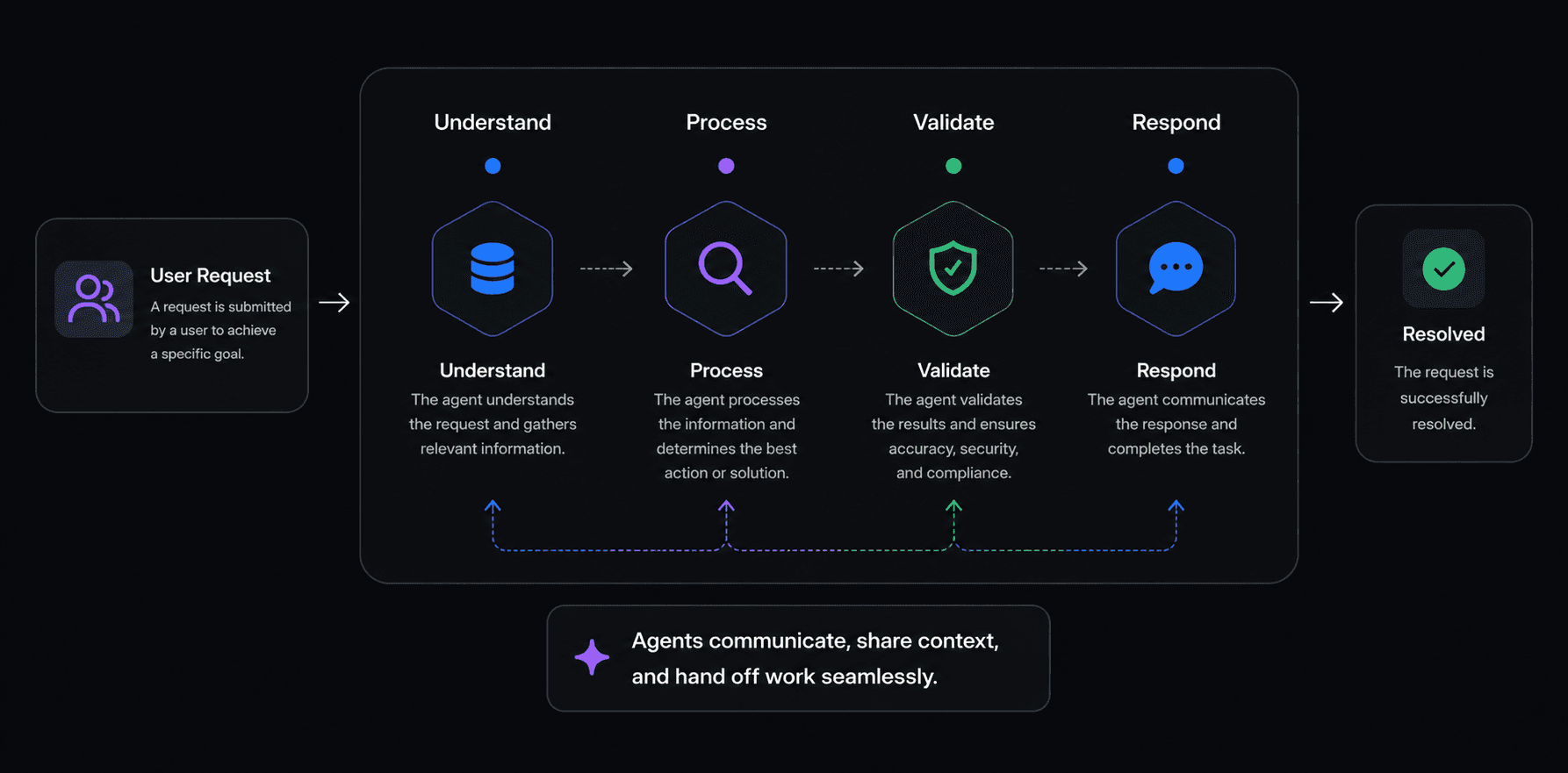
Best Multi-Agent AI Platforms in 2026: An Honest Comparison
CrewAI made a name for itself by making multi-agent AI feel approachable. The idea of defining "crews" of agents with roles, goals, and backstories resonated with developers who wanted something higher-level than raw LangChain but more structured than building from scratch.
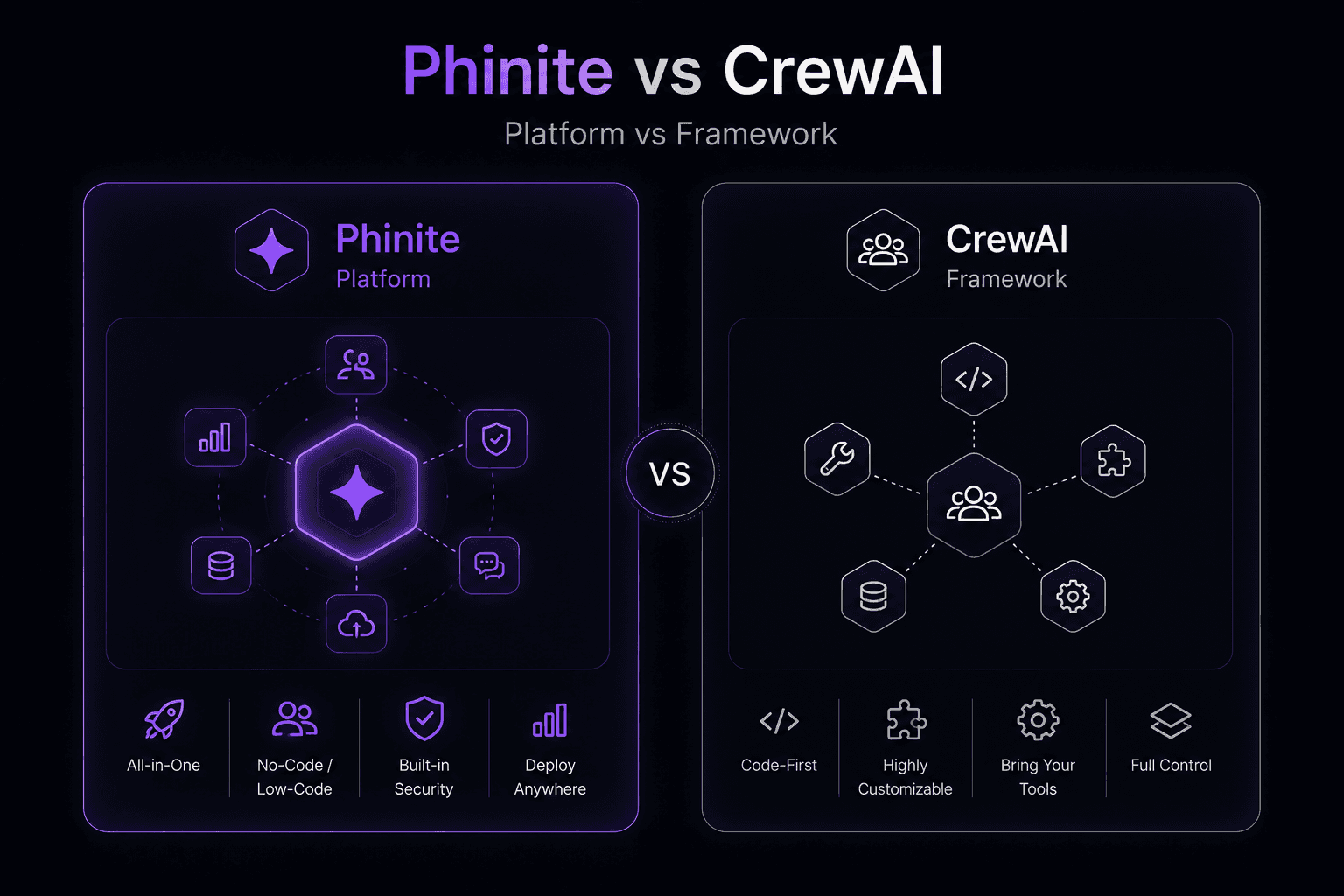
Phinite vs CrewAI: Platform vs Framework for Multi-Agent AI
CrewAI made a name for itself by making multi-agent AI feel approachable. The idea of defining "crews" of agents with roles, goals, and backstories resonated with developers who wanted something higher-level than raw LangChain but more structured than building from scratch.